Let's be honest about something.
Every few months someone in a WhatsApp group sends a flyer. "Enroll in our 6-week digital skills bootcamp. Only $85. Limited slots!" And somehow it's always urgent. Always ending tonight.
Meanwhile the internet, yes, the same one you use to watch videos of people falling; has more free, high-quality learning material than any bootcamp, course, or university degree you'll find on that flyer.
The question was never "where do I learn?" The question has always been "what do I actually commit to?"
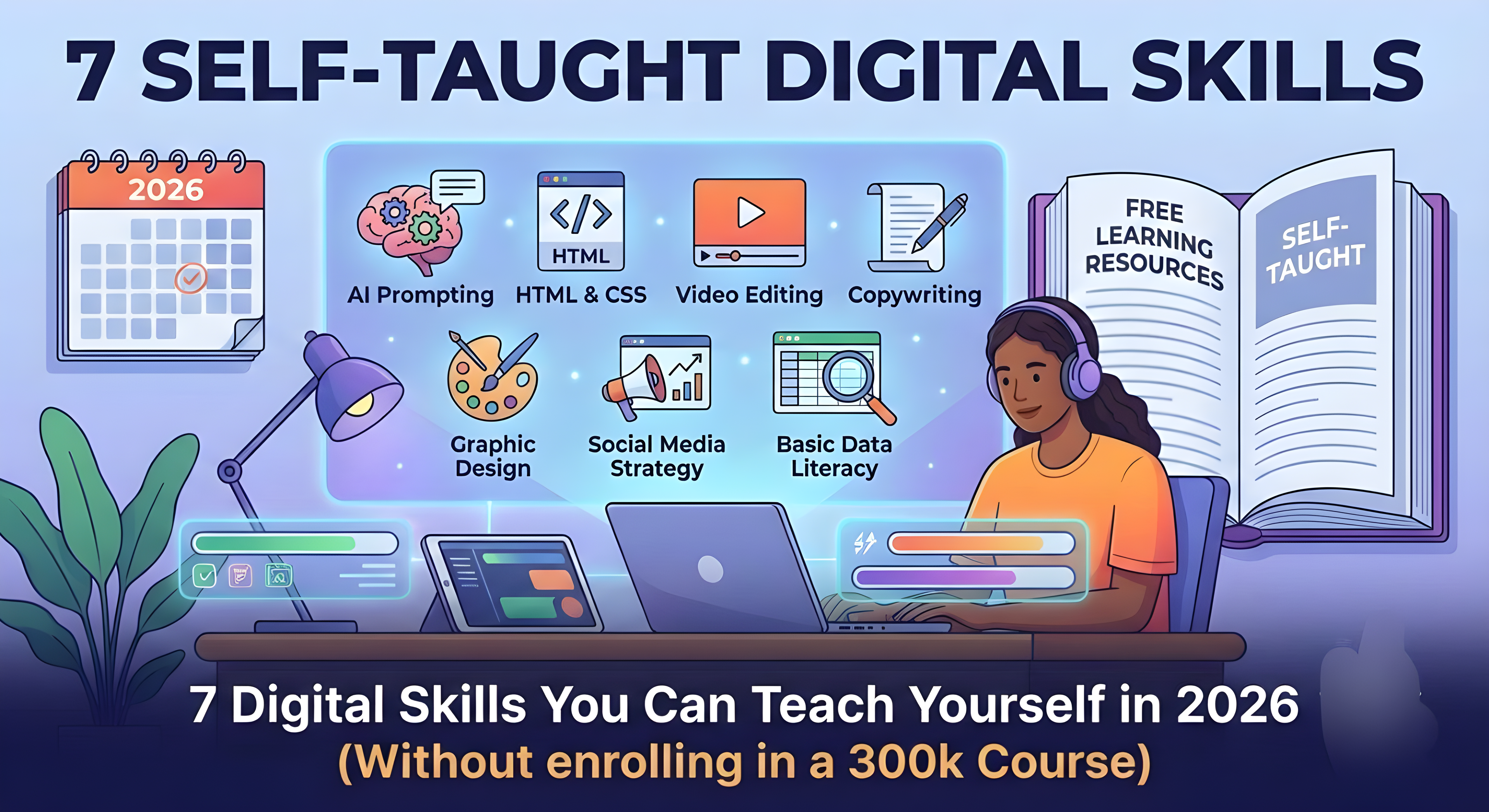
So here are 7 digital skills that are genuinely useful in 2026, genuinely learnable by yourself, and genuinely free to start, no $85 required.
1. AI Prompting and Workflow building.
This is no longer optional.
Whether you write, design, study, run a business, or work a nine-to-five, AI tools are now part of the environment. And the difference between someone who uses AI well and someone who doesn't isn't intelligence. It's knowing how to communicate with it properly.
Most people use AI like this, type vague question, get vague answer, complain it's useless, close tab. And then they tell their friends "AI doesn't really work."
What it actually takes is learning how to write specific prompts, give context, assign roles, build systems, and chain tasks together so AI handles the boring 70% of your work while you handle the thinking.
What a beginner can do in 30 days:
- Learn the difference between a bad prompt and a good one
- Build one AI workflow for something you already do (studying, writing captions, answering emails, summarising)
- Test it with Philadelphia AI, ChatGPT, or Gemini.
- Notice how much time you save and build from there.
You don't need a course. You need to experiment. Start today by trying to describe a problem you have as clearly and specifically as possible, and see what AI does with it.
2. Basic Web Development (HTML & CSS).
Before you say "I'm not a tech person" hear this out.
You do not need to become a software engineer. But knowing how to build a basic webpage, edit a website, and understand what's happening when you look at a site's code is one of the most quietly powerful skills you can have in 2026.
It opens freelance income. It means you can build your portfolio, your blog, your business page without paying someone $500 to put five lines of text on a screen. And honestly? It's not as complicated as people pretend it is.
HTML tells a page what to show. CSS tells it how to look. That's really it at the beginning.
What a beginner can do in 30 days:
- Learn basic HTML tags (heading, paragraph, links, images) in week one.
- Learn basic CSS (colours, fonts, layout) in week two.
- Build one simple page about yourself by week three. No framework, no JavaScript, just clean HTML and CSS.
- Host it free on GitHub Pages.
Where to start: freeCodeCamp.org, the MDN Web Docs beginners guide, and YouTube. All free. All excellent.
3. Video Editing.
You have a phone, it records video, someone somewhere will pay you to make their raw video look clean.
That's the short version of why video editing is worth learning.
The slightly longer version, content is still exploding. Brands, coaches, businesses, schools, churches, government agencies; everyone needs video now. Most of them record it and have absolutely no idea what to do with it afterwards. That gap is your opportunity.
You do not need Final Cut Pro or a $3000 Adobe subscription. You need Capcut (free), Davinci resolve (free), or VN (free), and patience. The basics.. cutting clips, adding text, colour correction, transitions, and audio balancing; take maybe three weeks of consistent practice.
What a beginner can do in 30 days:
- Download Capcut or Davinci Resolve
- Edit one short video every day for two weeks, even if it's a 30-second clip of literally anything.
- Focus on: clean cuts, good pacing, readable text, and decent audio.
- Post something publicly at the end of week three, even if it embarrasses you a little.
The embarrassment means you're learning, the posting means you're building.
4. Copywriting (Writing that actually does Something).
Not just writing, writing that makes people stop scrolling, read, feel something, and then do something.
This is called copywriting, and it is one of the most underrated, underpaid, and underdiscussed skills globally right now.
Every brand needs it, every Instagram page needs it. Every email, product description, landing page, WhatsApp broadcast, and call to action needs it. And most of them are terrible. Which means most of them are an opportunity for whoever learns to do it properly.
The basics of good copywriting, write to one person, not a crowd. Lead with the problem, not the product. Be clear before you try to be clever. And always, always, tell the reader exactly what to do next.
What a beginner can do in 30 days:
- Read one good book on copywriting (Everybody writes by Ann Handley or The Boron letters by Gary Halbert — both available online for free as PDFs).
- Rewrite five real ads, captions, or product descriptions you think are bad. Make them better.
- Offer to write free copy for one small business, creator, or person you know, to build a sample.
- Save your work. That's your portfolio.
5. Graphic Design (For content, not fine art).
You don't need to be an artist for this, you only need to understand space, contrast, colour, and hierarchy well enough to make things look clean and intentional, not amateur.
Because the difference between a flyer people share and a flyer people ignore is almost always design. The difference between a post that looks professional and one that screams "I made this in five minutes and I need you to know it" is design.
Canva has made this more accessible than ever. But knowing Canva and knowing design are two different things. Anyone can open Canva. Fewer people know why a design works or doesn't.
What a beginner can do in 30 days:
- Learn four fundamentals: contrast (make important things stand out), alignment (nothing placed randomly), repetition (consistent fonts, colours), and proximity (related things grouped together).
- Redesign five existing flyers or posts you see online that you think look bad.
- Pick two fonts and three colours and build a simple design system for a fake brand.
- Practice recreating designs you admire from scratch, this builds your eye faster than anything.
Where to learn the principles: Canva design school (free), Google's material design guides (free), and just studying what you see around you every day.
6. Social Media content Strategy.
There's a difference between posting and having a strategy.
Posting is putting content out. Strategy is understanding why, what, when, and for whom. And then measuring whether it's working.
A lot of creators and businesses post every day with nothing to show for it because they've never asked: what do I want this content to do? Who specifically am I talking to? What problem does my content solve for them? Why would anyone share this?
Learning content strategy means learning how to plan content that has a purpose, how to read simple analytics to understand what your audience responds to, how to build formats that grow trust over time, and how to turn followers into actual community, customers, or readers.
What a beginner can do in 30 days:
- Choose one platform and one content format (don't try everywhere at once).
- Post consistently for 30 days with a clear goal per post, not "get likes" but "teach one thing" or "start one conversation"
- Check your analytics every week. What got the most reach? Saves? Replies?
- Adjust based on what you see. Do more of what works.
Where to learn: Meta Blueprint (free), Later's blog (free), and honestly just studying accounts in your niche that are growing and thinking critically about why.
7. Basic data literacy (Reading and understanding numbers).
This one sounds boring. It is, by far, the most slept-on skill on this list.
Data literacy doesn't mean becoming a data scientist or learning Python (though you can, and it's free). It means being able to read a chart, interpret a spreadsheet, understand what a metric is actually telling you, and make decisions based on evidence instead of feelings and vibes.
In 2026, every job, every business, every creative career produces data. Views, revenue, conversion rates, click-through rates, open rates, test scores, budget spreadsheets. The people who can look at that information and say "here's what this means and here's what we should do about it" are the ones who lead. In every field.
What a beginner can do in 30 days:
- Get comfortable with Google Sheets or Excel: basic formulas (SUM, AVERAGE, COUNTIF), sorting, filtering, and simple charts.
- Take Google's free "Data and AI Literacy" course or the free IBM Data Literacy certificate on Coursera.
- Practice by tracking something real in your life with a spreadsheet for one month: your income, your study hours, your social media growth, anything
- Learn to ask "what does this number mean?" before "what does this number feel like?"
The honest part at the end.
You read this list, maybe you felt motivated, maybe you already have three tabs open.
The motivation will last about 48 hours if you don't start something specific today.
Pick one, just one. The one that's most relevant to where you want to go in the next 12 months, not the most interesting one. Not the most impressive-sounding one, the one most useful to you, right now.
Spend 30 minutes on it today, then do it again tomorrow.
You don't need a bootcamp nor a certificate. You need consistency and the honesty to keep going even when you feel like you're not making progress, which is usually exactly when you're about to make progress.
The course was never the thing standing between you and the skill.
You were.
Loading comments...